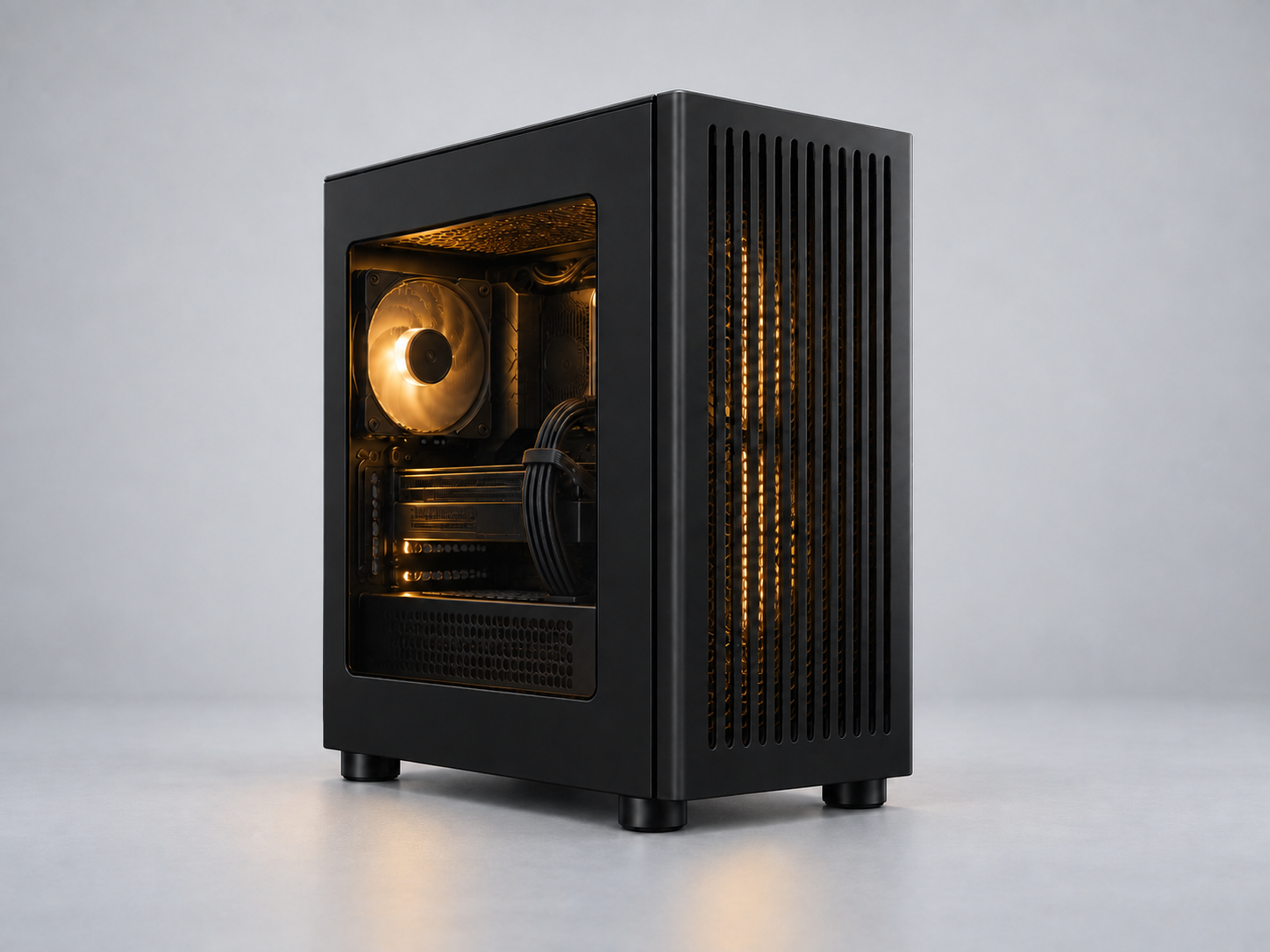
 STARTER BUILD
PC BUILDER & COMPATIBILITY CHECKER
Build your own PC.
Compare PC component specifications, check compatibility and plan your parts list. Find stores for your region and build a desktop PC that fits your needs.
BUILD AROUND YOUR NEEDS
Your first PC starts with a few answers.
Tell us your budget, what you use your PC for and which parts you already own. Explore explained starter options, compare alternatives and leave with a purchase checklist.
New to building? Choose a processor to begin, or customize a starter build.
CONFIGURATION
0 / 8 core partsUntitled build
COMPONENTYOUR SELECTIONRECORDED PRICE
Processor
Choose a processor
Motherboard
Choose a motherboard
Graphics card
Choose a graphics card
Memory
Choose a memory
Storage
Choose a storage
Power supply
Choose a power supply
CPU cooler
Choose a cpu cooler
Case
Choose a case
Additional storage, fans & peripherals
Recorded prices are entered by you in USD. Retailer prices, tax and delivery may differ.
YOUR BUILD, EXPLAINED
Choose the parts. Get the honest take.
See what your configuration brings to games, local AI, everyday work and creative projects.
A PLACE TO START
See all 17 startersBuilds for different budgets.
Start with an idea. Swap the parts. Make it yours.
STARTER BUILD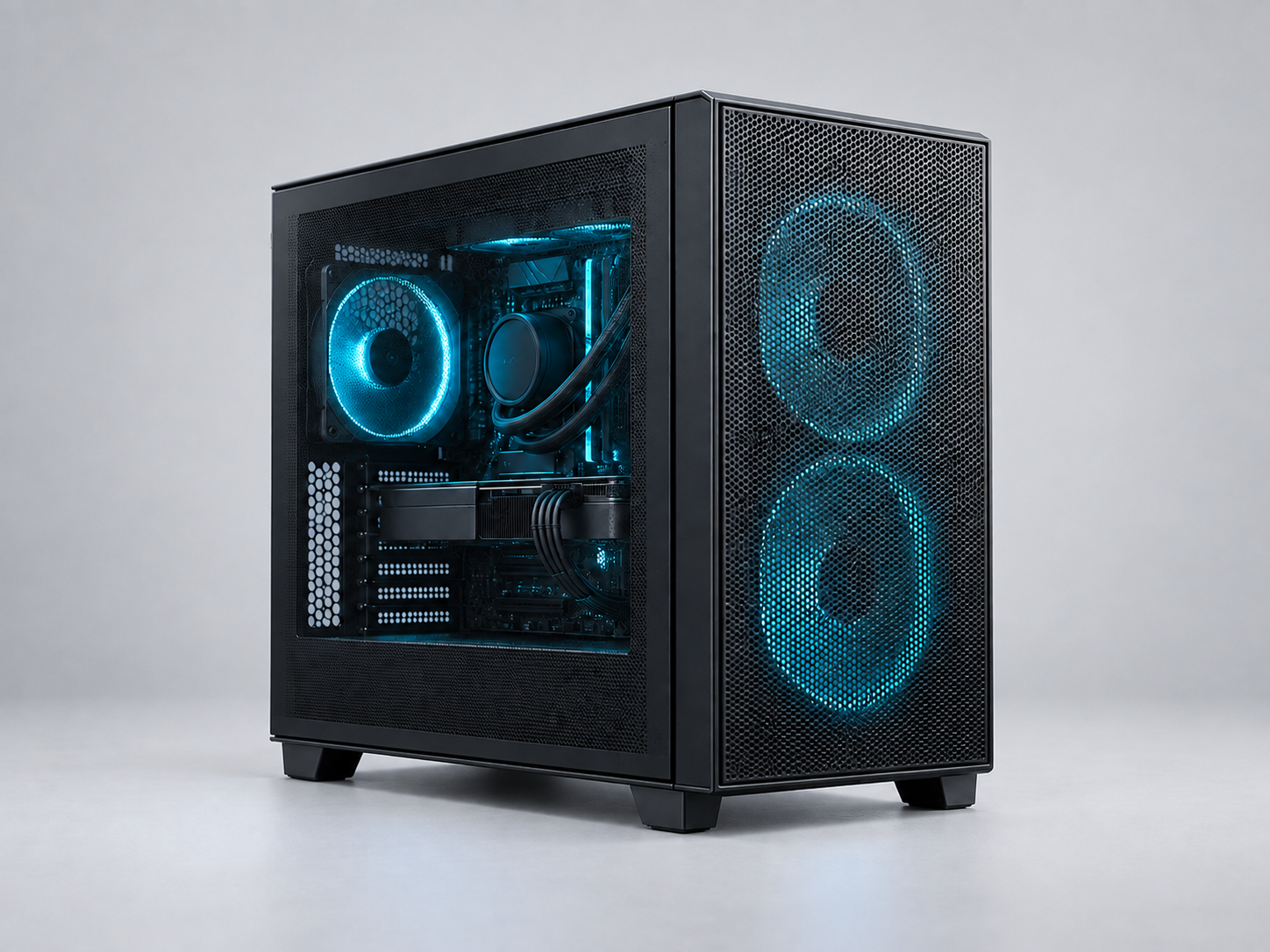 STARTER BUILD
AM5 Gaming PC Build: Ryzen 5 9600X & RX 9060 XT
Ryzen 5 9600X · PULSE Radeon RX 9060 XT OC 16GB
Planning budget · USD$1,250
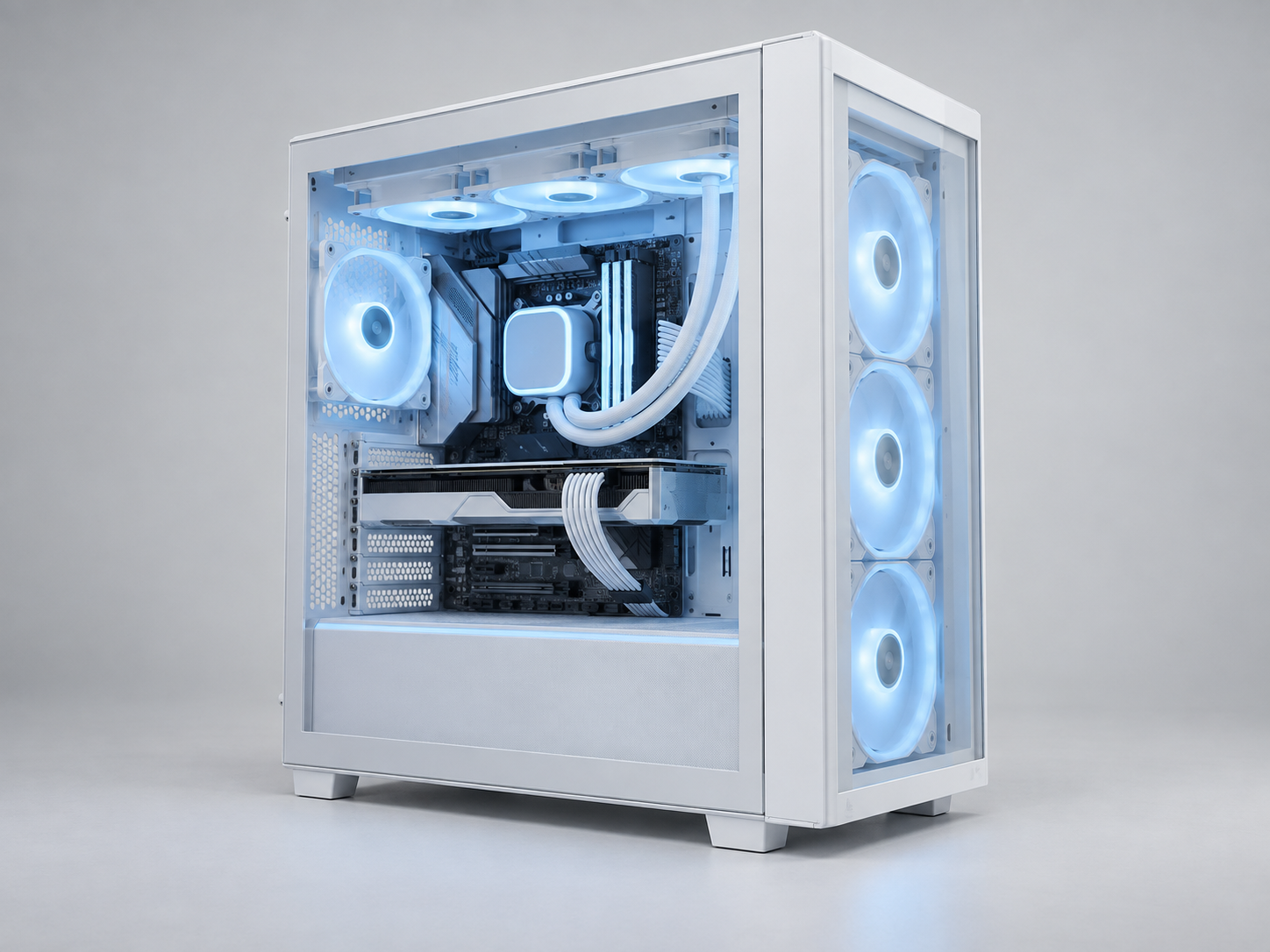 STARTER BUILD
X3D Gaming PC Build: Ryzen 7 9800X3D & RX 9070 XT
Ryzen 7 9800X3D · PULSE Radeon RX 9070 XT 16GB
Planning budget · USD$2,100
BEFORE YOUR FIRST BUILD
PC building questions, answered.
What parts do I need to build a PC?
A typical desktop needs a processor, motherboard, memory, storage, power supply, case and suitable CPU cooling. Add a graphics card if your processor has no usable integrated graphics or your workload needs one. Plan separately for a monitor, input devices, operating system and network connection.
Browse PC components and specificationsHow do I check if my PC parts are compatible?
Check the CPU socket and motherboard CPU support list first, then memory generation, BIOS version, cooler mounting, case clearances and power connections. RigAtlas flags documented conflicts and unresolved checks. Matching a socket or passing a rule does not guarantee the whole assembly fits.
Read the PC compatibility checklistHow much should I budget for a PC build?
Start with the tasks you want to run and decide whether the budget covers just the tower or the complete setup. Add the exact parts, shipping and applicable checkout costs in one currency. Starter budgets here are editable planning targets; they are not promises that every component is available for that total.
Plan a complete PC build budgetCan I compare PC parts across different stores?
Choose your shipping destination to find retailer searches for the selected model. Confirm the seller, model revision, product condition, delivery and final price at the store. Only authorized current quotes can appear as site prices; missing prices and price history stay marked as unavailable.
How prices and retailer links workCan I save and share my PC parts list?
You can explore and create a working draft before signing in. Sign in to save a configuration, add your own photo, and choose private, unlisted or community visibility. You can also export a parts list and copy a starter configuration to customize it.
Prepare a parts list for build adviceShould I choose AMD or Intel for my PC?
Compare exact CPU, motherboard and memory combinations for your games and applications. Include cooling, connectivity and delivered platform cost; a brand name or core count alone cannot decide the better build.
Compare AMD and Intel platformsIs 16GB, 32GB or 64GB of RAM enough?
Use the requirements for your actual software version and the memory used during a normal session. Capacity, memory generation and advertised speed answer different questions. Choose a complete supported kit and verify its settings after installation.
Choose RAM capacity for your workloadWhich graphics card should I buy for 1440p or 4K?
Compare cards in your games at the intended resolution, settings and refresh target. Check native and enhanced rendering modes separately, then confirm application support, VRAM, power connections and case fit.
Choose a GPU for your displayWhat should I do after assembling the PC?
Confirm the detected components and cooling in firmware, prepare the correct operating-system installation, install official drivers and test normal operation before optional tuning. Keep recovery information and important data protected.
Follow the first-boot and setup checklistWhy does my new PC turn on without a display?
Check the monitor input and the correct graphics output first, allow the board’s documented memory-training process to finish, then use its diagnostic indicators and manual to narrow the next step. A lit diagnostic LED does not by itself identify a broken component.
Work through no-display troubleshootingCan I reuse parts from my old PC?
Record their exact models and condition, then check each part against the new platform. Memory generations, PSU cables, cooler mounts and available storage connections can prevent an otherwise useful part from moving into a new build.
Plan upgrades and component reuseCan a bottleneck calculator tell me what to upgrade?
A fixed percentage from component names does not describe every game or project. Use a repeatable workload and change one setting at a time to investigate the limiting stage before buying a replacement.
Diagnose a CPU or GPU limitationMake the next choice with a little more confidence.
Start with the decision in front of you, then return to your parts list.
Plan your first build
Set out the parts, tools and preparation before you start ordering.
Keep what still works
Identify what you already own and what actually needs replacing.
Ask for useful build advice
Share exact models, your workload and the unresolved checks so others can help.