Explore builds
STARTER BUILD / RigAtlas starter

Ryzen 5 9600X + RX 9060 XT PC Build.

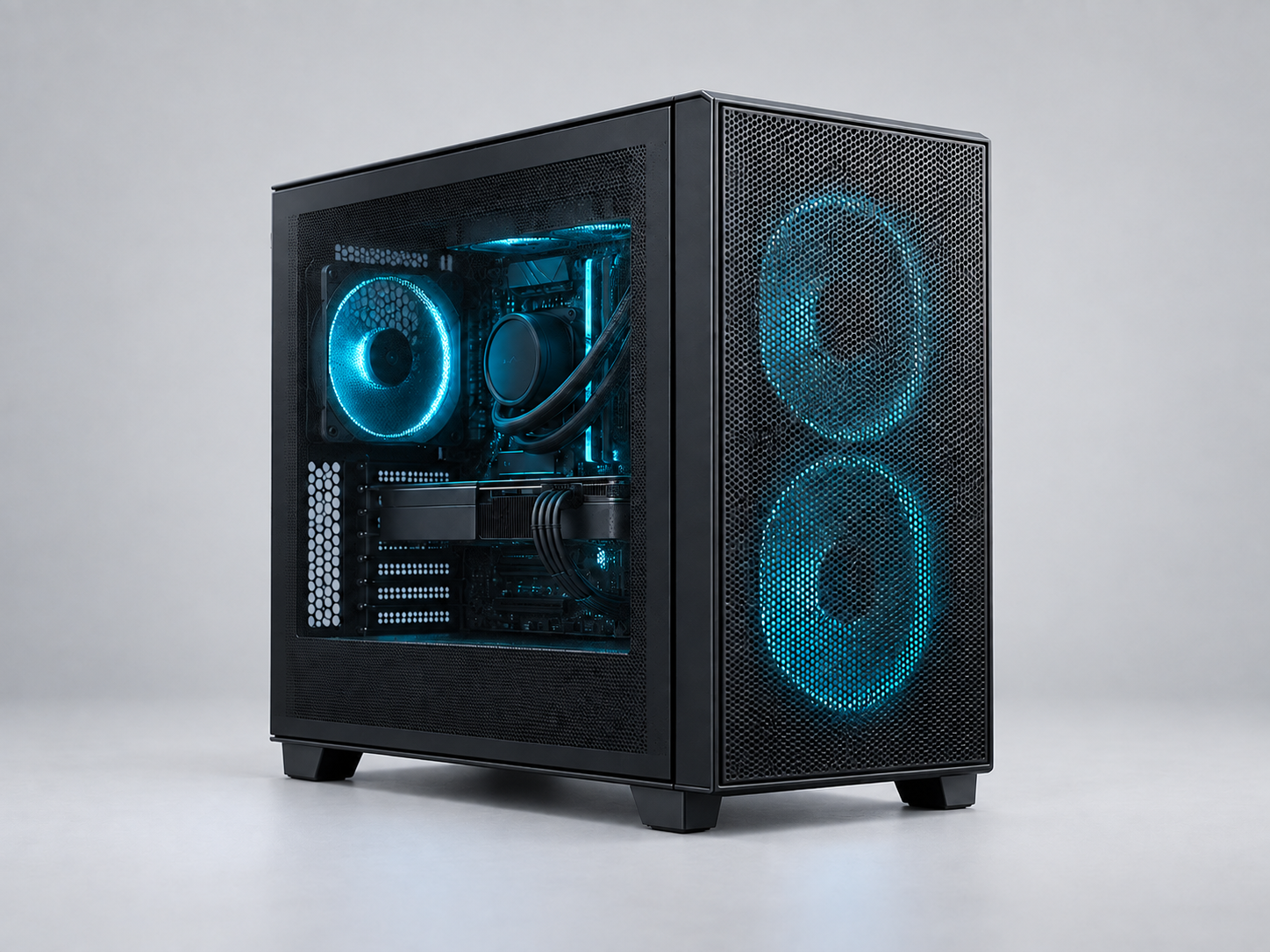
Reference imageImages are for reference only. Refer to the linked store for actual product images.
ABOUT THIS BUILD

A six-core AM5 system with 32 GB DDR5, a 2 TB SSD and a Radeon RX 9060 XT 16 GB card. Choose game settings and final parts around your own workload. This USD budget is an illustrative planning target, not a verified parts total or a retailer quote. Check current local prices, BIOS support and mounting clearances. Images are for reference only. Refer to the linked store for actual product images.

8 componentsBudget in USD
CONFIGURATION

Mainstream AM5 · 16 GB Radeon

8 / 8 core parts
COMPONENTYOUR SELECTIONRECORDED PRICE
Processor
AM5 · DDR5
Checking price…
Not recorded
Motherboard
AM5 · DDR5 · ATX
Checking price…
Not recorded
Graphics card
16 GB GDDR6
Checking price…
Not recorded
Memory
DDR5 · UDIMM
Checking price…
Not recorded
Storage
M.2 2280
Checking price…
Not recorded
Power supply
ATX
Checking price…
Not recorded
CPU cooler
Dual tower
Checking price…
Not recorded
Case
Mid-tower
Checking price…
Not recorded
Recorded prices are entered by you in USD. Retailer prices, tax and delivery may differ.
AI & YOUR BUILD

What AI work can this PC handle?

Explore cloud use, local language models and image generation with the parts you selected. Memory estimates are not speed benchmarks.

System memory32 GB
Dedicated graphics memory16 GB
Selected graphics cardPULSE Radeon RX 9060 XT OC 16GB

Cloud AI

Inference runs on the service’s servers.

A larger local GPU is not required just to chat with a cloud model or request cloud-generated images. Check the service account, availability in your region, internet connection and supported browser or client.

Local editing, 3D work and running several apps still use your PC’s resources. This does not guarantee a service’s response time.

How cloud inference works

Local image generation

Choose the exact model and workflow first.

AMD support varies by GPU, operating system and runtime. Check that application’s current ROCm or Vulkan matrix.

Image size, batch size, model components and extra nodes change memory use. CPU offloading can reduce VRAM demand but may be slow. Video generation, training and fine-tuning require separate assessments.

ComfyUI hardware requirementsModel memory and offloading

Local language models

Change the assumptions to explore the memory tradeoff. These are model sizes, not recommendations for a specific model.

Weights may fit; full inference still needs verification.

Theoretical weight storage only: 3.7 GiB · 8B / 4-bit

Actual use is higher: quantization metadata, unquantized tensors, KV cache, compute buffers and the runtime also need memory. Total installed memory is not the same as free memory.

Weight storage scenarios at the selected precision
ParametersWeight lower boundCompared with selected VRAM
3B1.4 GiBWeights only; overhead not included
8B3.7 GiBWeights only; overhead not included
14B6.5 GiBWeights only; overhead not included
32B14.9 GiBWeights only; overhead not included
70B32.6 GiBNot enough for weights alone
  • AMD support varies by GPU, operating system and runtime. Check that application’s current ROCm or Vulkan matrix.
  • Longer context increases KV-cache demand. A weights-only fit does not establish whether your selected context or concurrent requests will fit.
  • Check CPU instruction support, the exact OS version, drivers and available SSD space for model downloads. LM Studio on Windows x64 requires AVX2; this catalog does not verify instruction sets.
Method, limits and how to verify

Weight lower bound = total parameters × bits ÷ 8. B means one billion parameters; GiB means 2³⁰ bytes. All parameters are counted, including inactive experts in a mixture-of-experts model. Nominal catalog RAM and VRAM capacities are used as GiB for this planning comparison.

Shared system memory is not added to dedicated VRAM. RAM kit capacity is counted once. Already-owned parts still count as installed hardware. No throughput or “smooth performance” claim is made.

After assembly, use the actual model file and context setting with the runtime’s resource estimator, then measure response speed and memory use in your workload.

LM Studio resource estimation

Weight estimates · Context and memory · GPU runtime support · Application requirements

Selected GPU manufacturer specifications · 2026-09-10

AI documentation checked: 2026-09-19
THE CHOICES BEHIND THIS PARTS LIST

Who this build is for

An AM5 parts list that combines a six-core processor, a discrete Radeon card and room for a larger game or application library. The title's 16 GB refers to GPU memory; the system memory is 32 GB.

Why these components are together

The Ryzen 5 9600X and B850 board establish the CPU platform, while the RX 9060 XT 16 GB provides discrete graphics. Use workload-specific comparisons to decide whether this balance fits your display and games.

The 32 GB DDR5 kit and 2 TB SN7100 cover system memory and storage as separate resources. A higher advertised memory profile still needs board and CPU support plus stability checks.

The AIR 903 BASE provides a conventional tower layout for the dual-tower air cooler. The modular A750GL makes cable selection part of the power-supply check.

Tradeoffs and checks before ordering

  • VRAM capacity does not by itself establish graphics performance or suitable game settings.
  • Check the board's actual CPU support list and memory population before enabling a profile.
  • The air cooler, memory and side panel need to fit together, not just satisfy separate headline limits.

What to change first

Measure the limiting workload first. Keep the platform if a GPU or storage change solves the actual problem, but recheck power, cable clearance and motherboard slot use after each change.

This is an editorial parts-list explanation. The planning target is not a current retailer total, and this configuration has not been benchmarked by RigAtlas.

Component specification sources